
Single Touch Button
Compact on/off or primary function control for a clean mirror face.
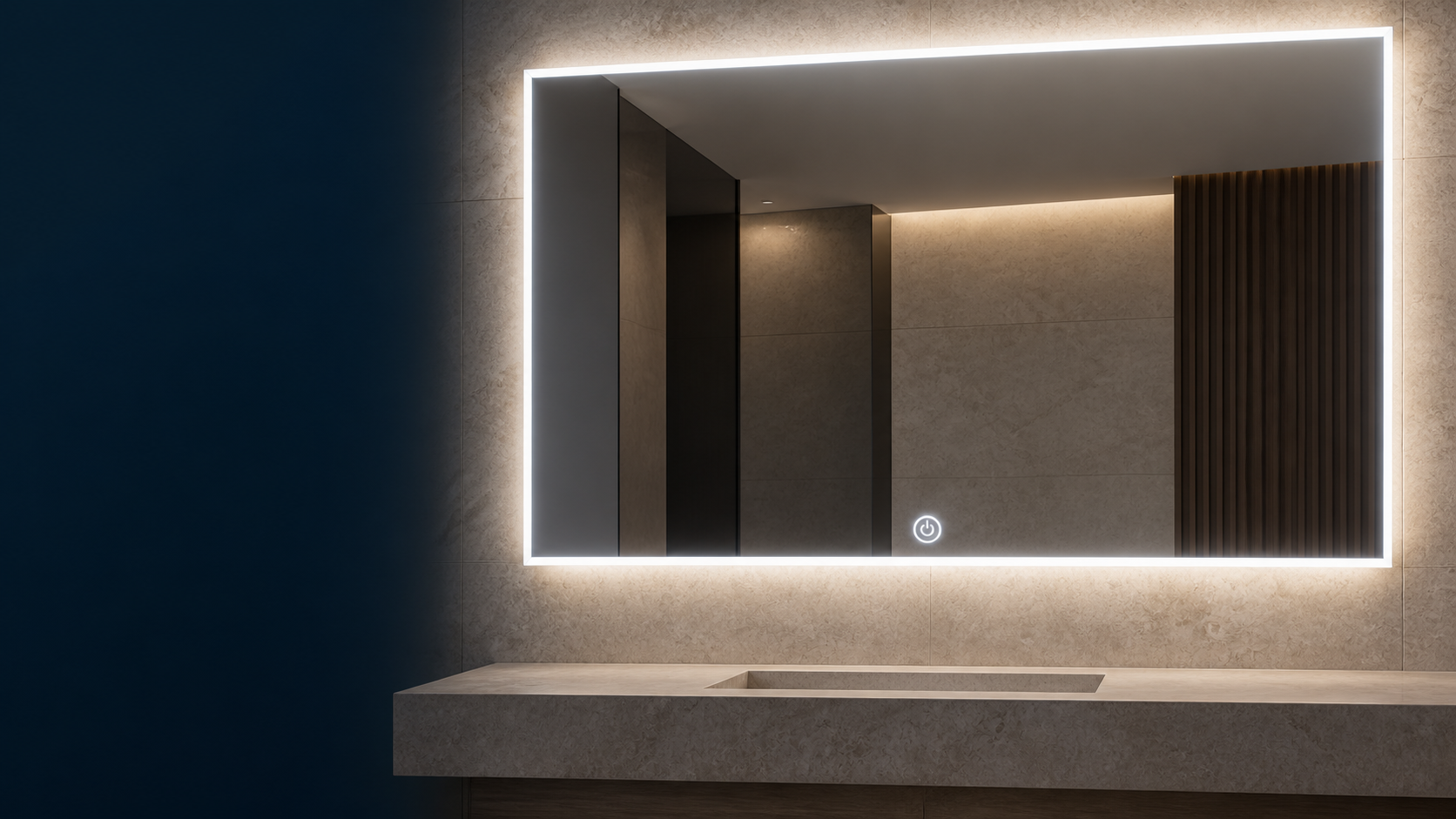
Configure the mirror format, button layout and operating logic around your product range—not around a generic “smart mirror” label.
The touch button is an optional accessory integrated during mirror assembly. Depending on the selected accessory, control module and electrical design, it may operate lighting, dimming, color temperature or a demister.
Button count, icon design, location, standby indication, memory behavior and wall-switch response should be confirmed before quotation and sampling.
View component options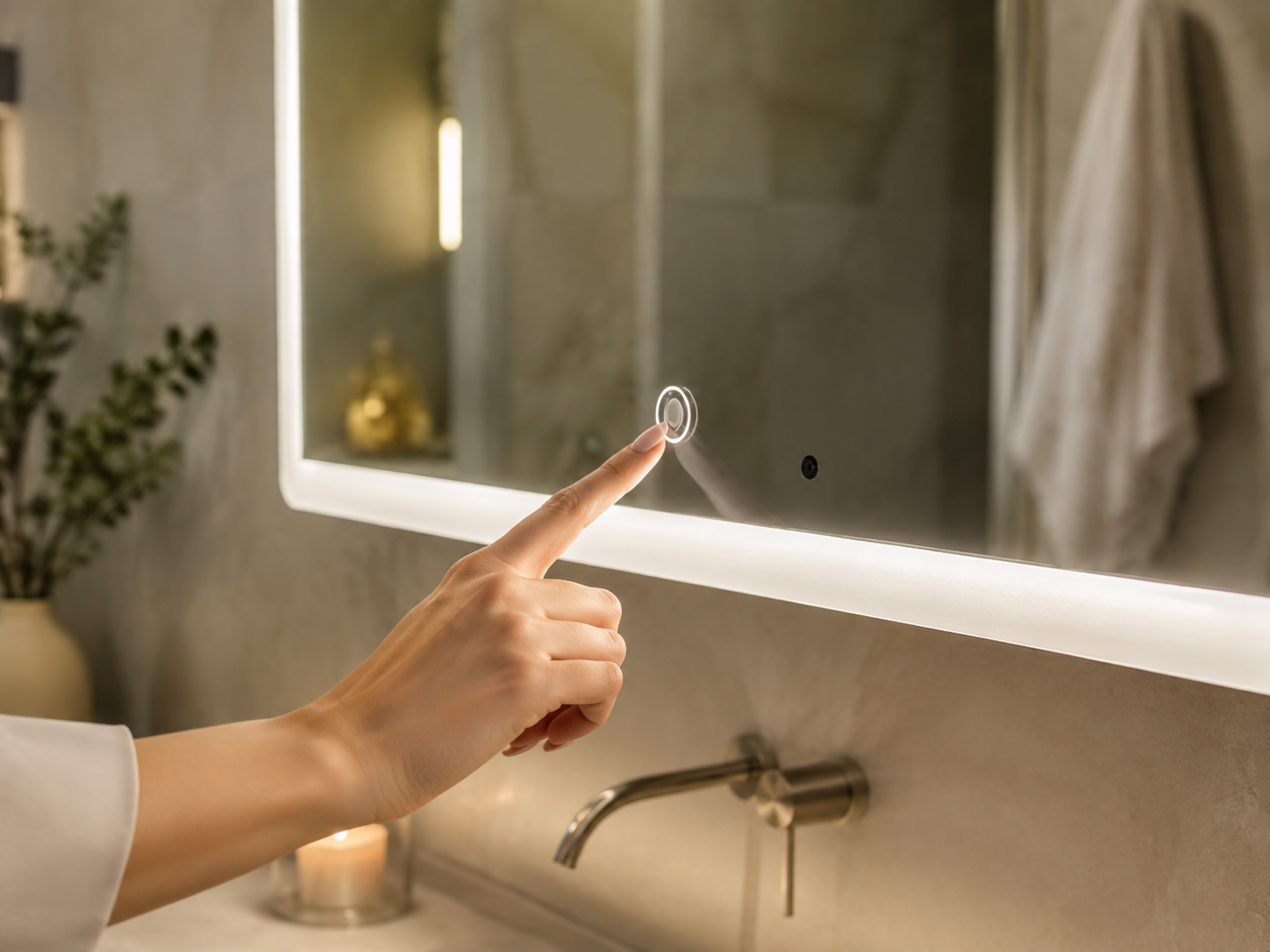
Use the accessory direction as a starting point. Final appearance, compatibility and function mapping are confirmed by model, drawing and approved sample.
Compact on/off or primary function control for a clean mirror face.
Separate controls for light, dimming, color temperature or demister where supported.
Button graphics, standby indication and position coordinated with the mirror layout.
Accessory, controller, connector and driver relationship reviewed as one assembly.
Follow one visible approval path from accessory selection to production-ready sample.
Confirm shape, size, lighting architecture, mounting direction and rear-component space.
Output · Mirror drawingSelect the touch-button type, quantity, icon, indicator and proposed position.
Output · Component selectionDefine tap, hold, cycling, memory, demister and wall-switch behavior.
Output · Function matrixCheck appearance, touch response, wiring, function sequence and power-return state.
Output · Approved sampleFinger contact with an integrated mirror-face button or touch zone.
Often used for touch control, but the activation method should be confirmed.
Non-contact activation through presence, proximity or a hand gesture.
An interactive display or TV system—not a standard touch-button LED mirror.
Start from the mirror and lighting architecture, then integrate the selected interface.
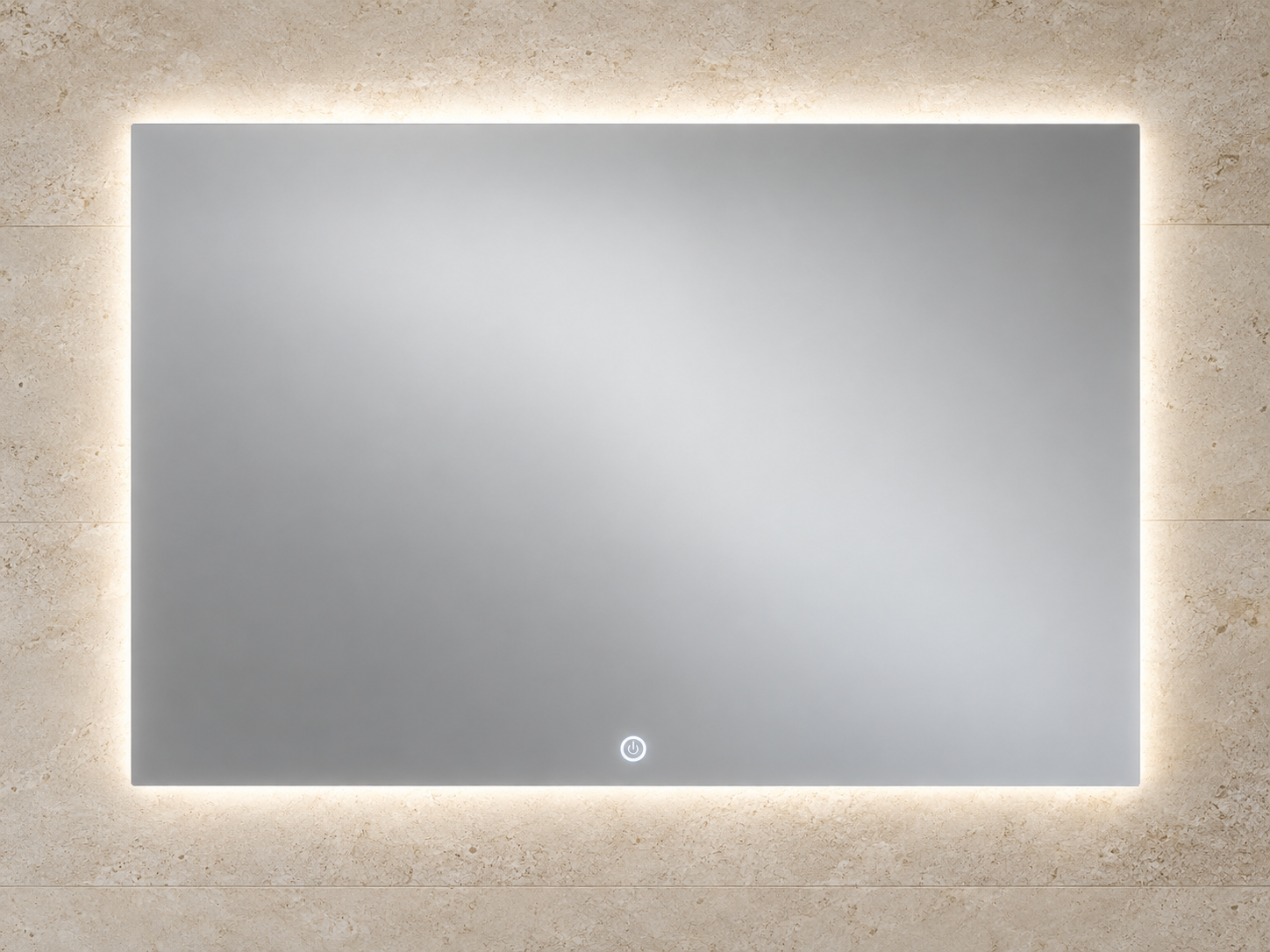
Ambient illumination with a discreet touch zone and drawing-defined functions.
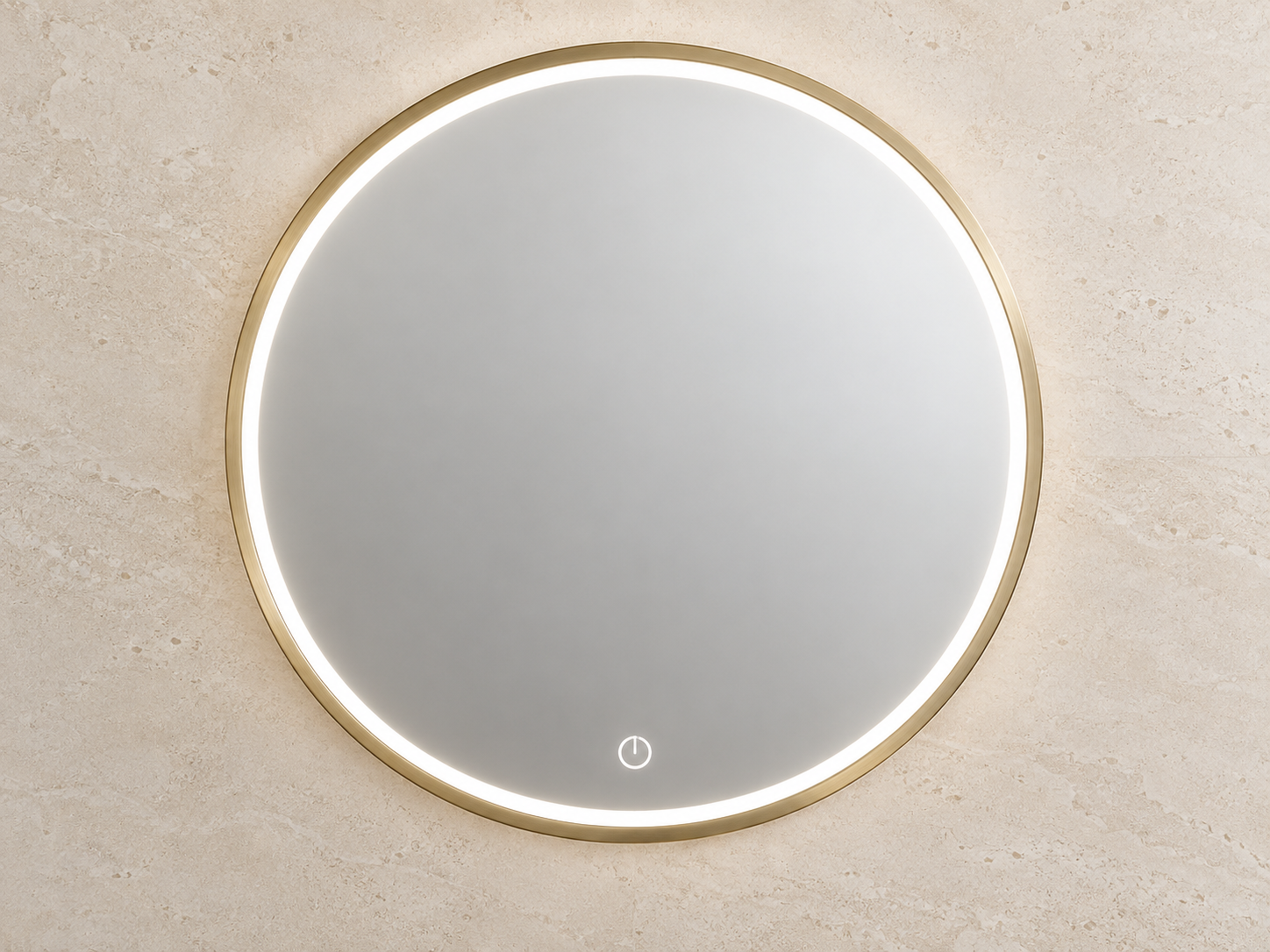
Coordinate icon position, diameter, lighting ring and optional frame.
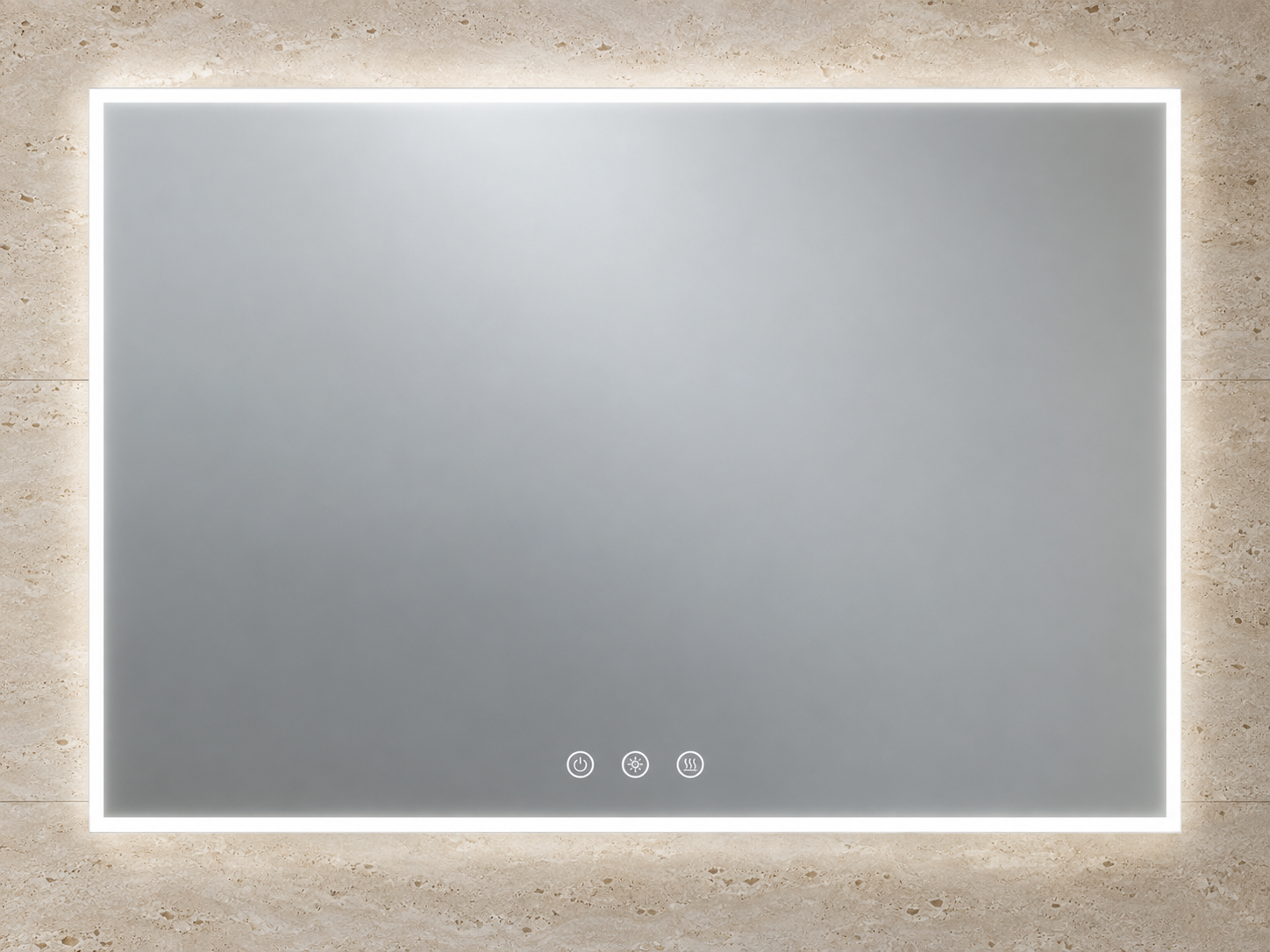
Separate light, demister or approved functions where the system supports them.
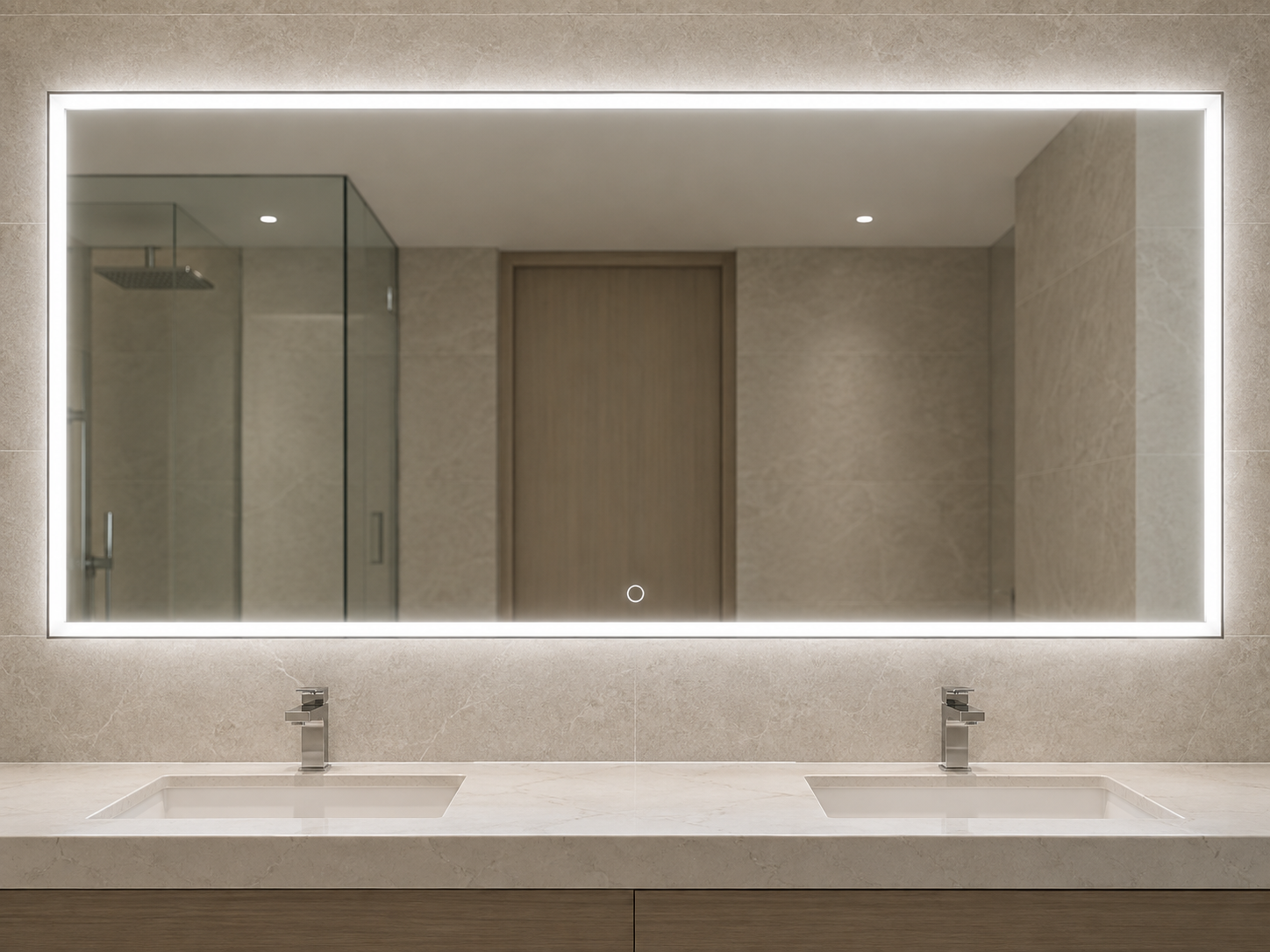
Lock the sample, control sequence and room-schedule requirements before repeat supply.
Unknown details can be reviewed, but they should not be hidden behind the word “smart.”
Build Your RFQEach program requires different decisions before sampling. Start with your sales model, then confirm the mirror, control accessory and delivery requirements that matter to your project.
Create easy-to-explain feature levels for wholesale customers across your core mirror collection.
Coordinate the visible interface and operating behavior around your brand and approved sample.
Match the mirror configuration to the room schedule, installation plan and delivery sequence.
Process visualizations show the review focus. Final inspection criteria follow the confirmed model, drawing and approved sample.

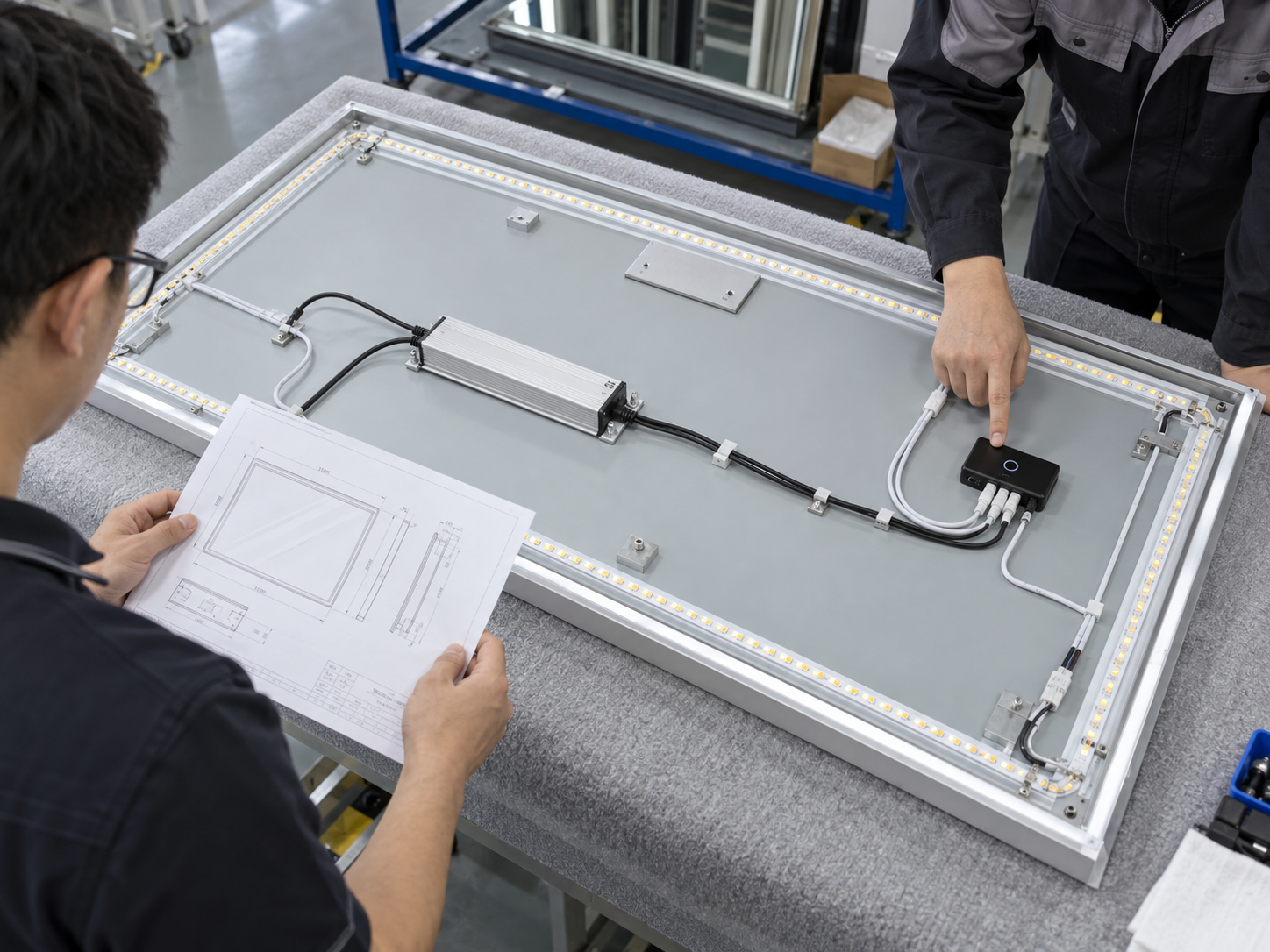
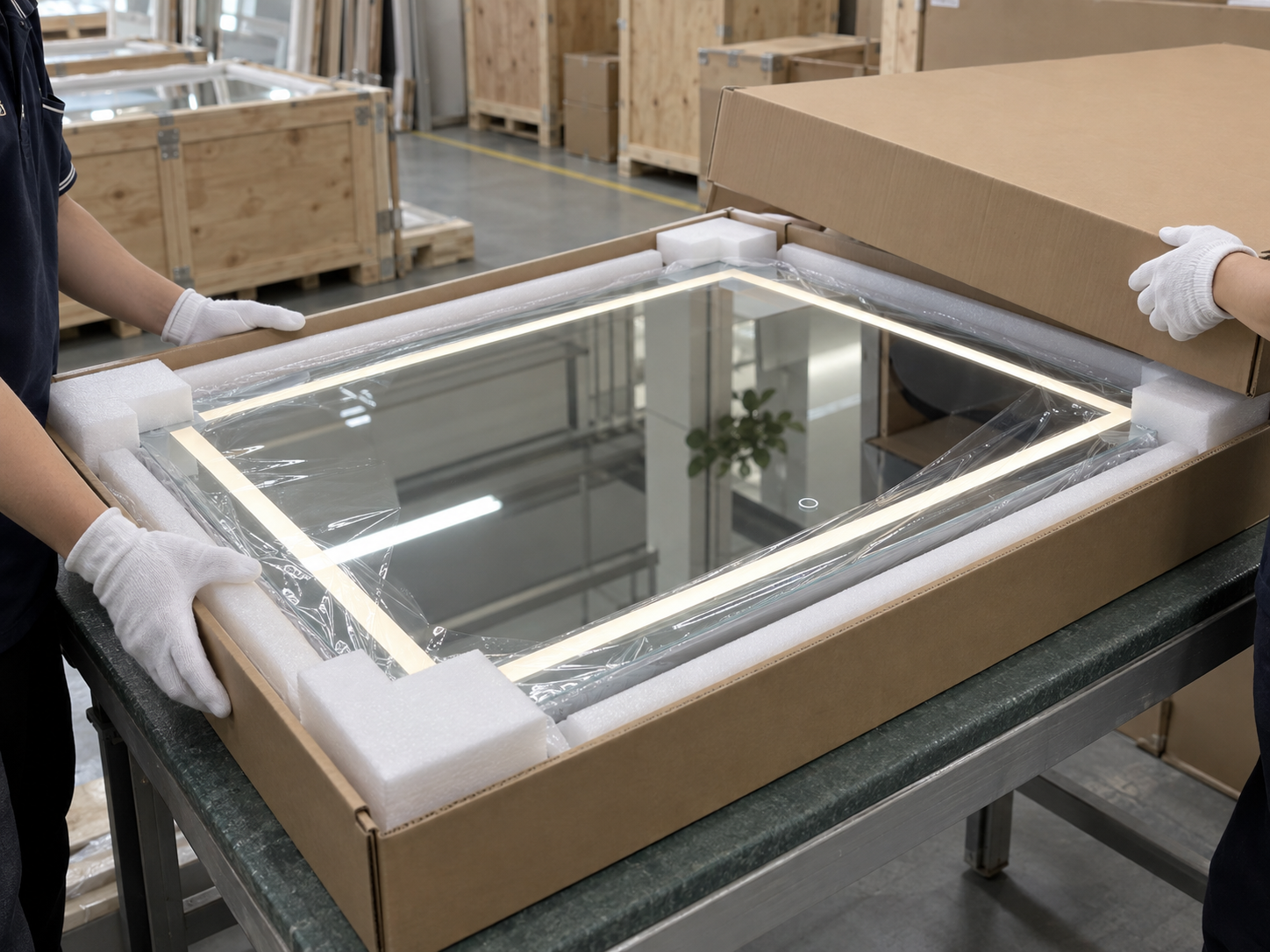
Depending on the selected module and electrical design, controls may operate lighting, dimming, color temperature, a demister or another approved function. Confirm the exact sequence before sampling.
Not necessarily. Touch control generally requires contact with the mirror-face touch zone; motion or gesture sensors operate without contact.
No. A touch screen normally includes an interactive display, while this page focuses on integrated touch buttons for LED mirror functions.
Wall-switch and power-return behavior depends on the chosen control module and wiring design. State the required behavior in the RFQ.
They can be reviewed for private-label or project programs, subject to the selected process, module, mirror layout and order scope.
Send the mirror size or drawing, quantity, destination, required functions, preferred button layout, installation method, documentation needs and delivery target.
Share your contact details and key requirements. Our team can review any information that has not yet been confirmed.

Open WeChat and scan this QR code to contact our team.